Hero Wars made easy
Eclipse for Hero Wars
A browser extension that connects the Hero Wars: Alliance web game to Eclipse (www.hwa-eclipse.com). It plays the parts of the game you choose, when you tell it to. It is not made by or affiliated with Nexters, the maker of Hero Wars.
The big one
Eternal Frontier
Plays the levels for you, with teams planned by Eclipse. It starts when you press Start and stops when you press Stop.
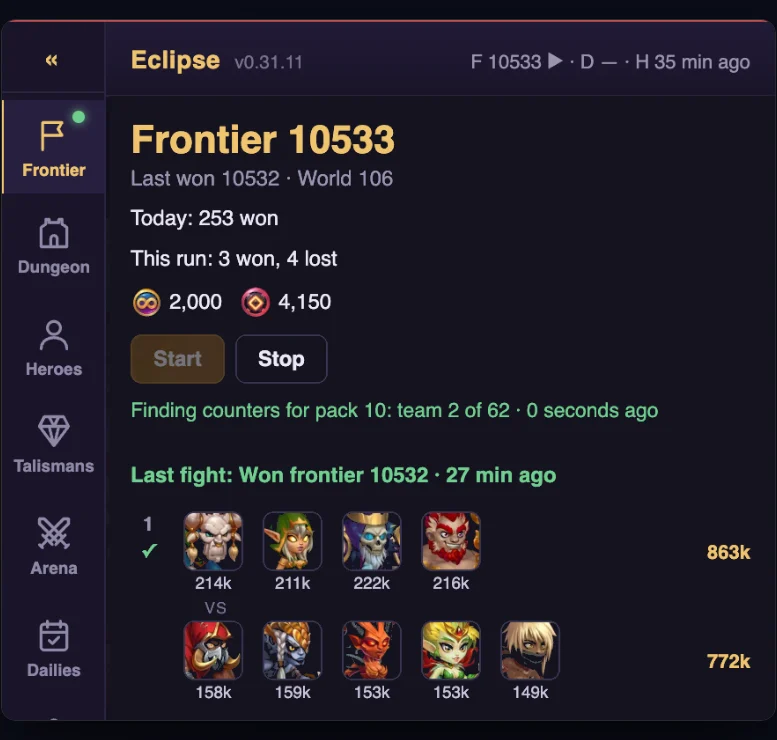
No clicking
Guild Dungeon
Picks the door and the team, floor after floor, keeping an eye on your titans’ health.
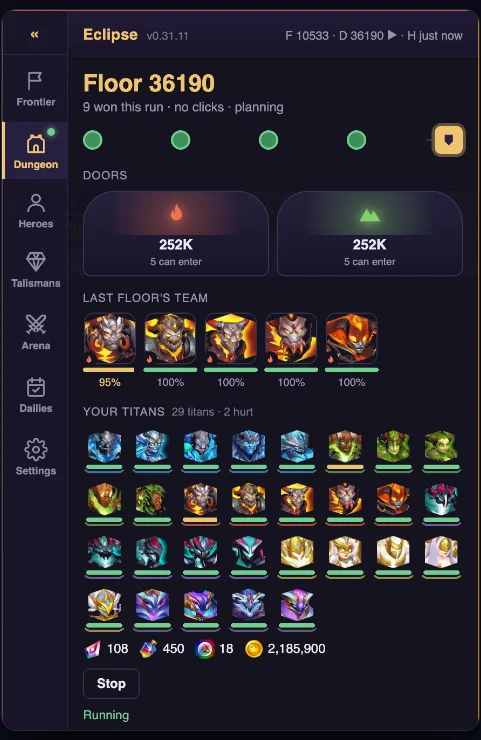
One press each
Dailies
Your daily chores in one list. Each one shows what it costs before you run it, and the free ones run together.
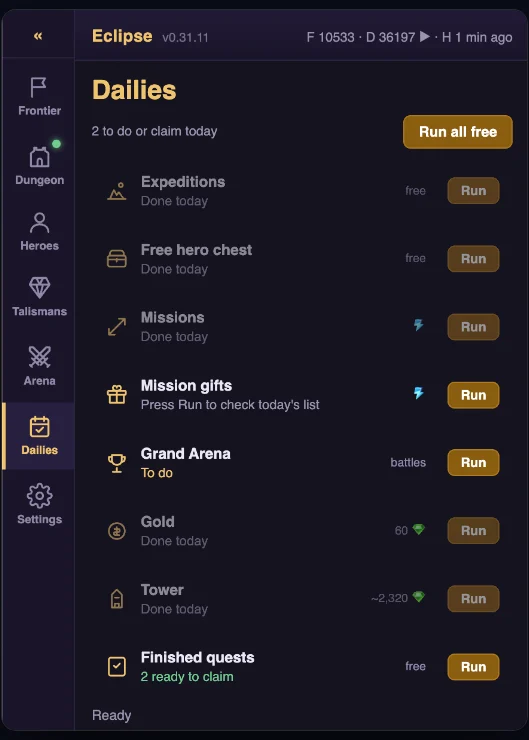
For guilds on Eclipse
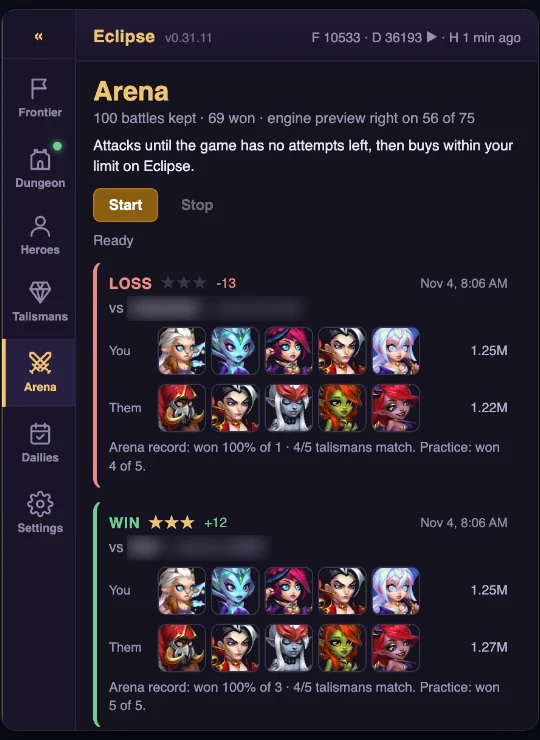
Arena
Finds a counter for the opponent you are offered, then attacks. It buys attempts only within the limit you set.
Talismans
Rerolls a talisman up to a budget you set, and keeps a roll only when it is better.
Your heroes, for your guild
In a guild that uses Eclipse, it keeps your heroes, titans and talismans current there, from the game’s own data.
⚠⚠
When you press Start, the extension SENDS game commands from your Hero Wars account, as if you had pressed the buttons yourself. Automating the game breaks Hero Wars' terms of service. If Nexters notices, your account could be warned, restricted or banned, and that risk is yours alone — Eclipse cannot undo it.
Who it is for
Today, members of a guild that uses Eclipse. Without an Eclipse account and the personal token from its Settings page, the extension does nothing. Accounts with no guild come next: the Eternal Frontier, the Guild Dungeon, Dailies and talismans.
Getting it
Ask your guild’s admins. Once you are signed in to Eclipse, the install guide is on the extension’s member page.
Your data
The privacy policy says what the extension reads, what it sends and where it goes.